42 features. Built for fiber.
Priced for real contractors.
Every feature was designed by a working fiber crew. No bloat. No features built for HVAC companies and relabeled. A few are still in the oven — we mark those clearly.
Operations
- Dashboard — Real-time overview with stat cards, today's jobs, escalated items, crew status, weather
- Job Management — Create, edit, assign, schedule, reschedule, duplicate, bulk operations, address autocomplete
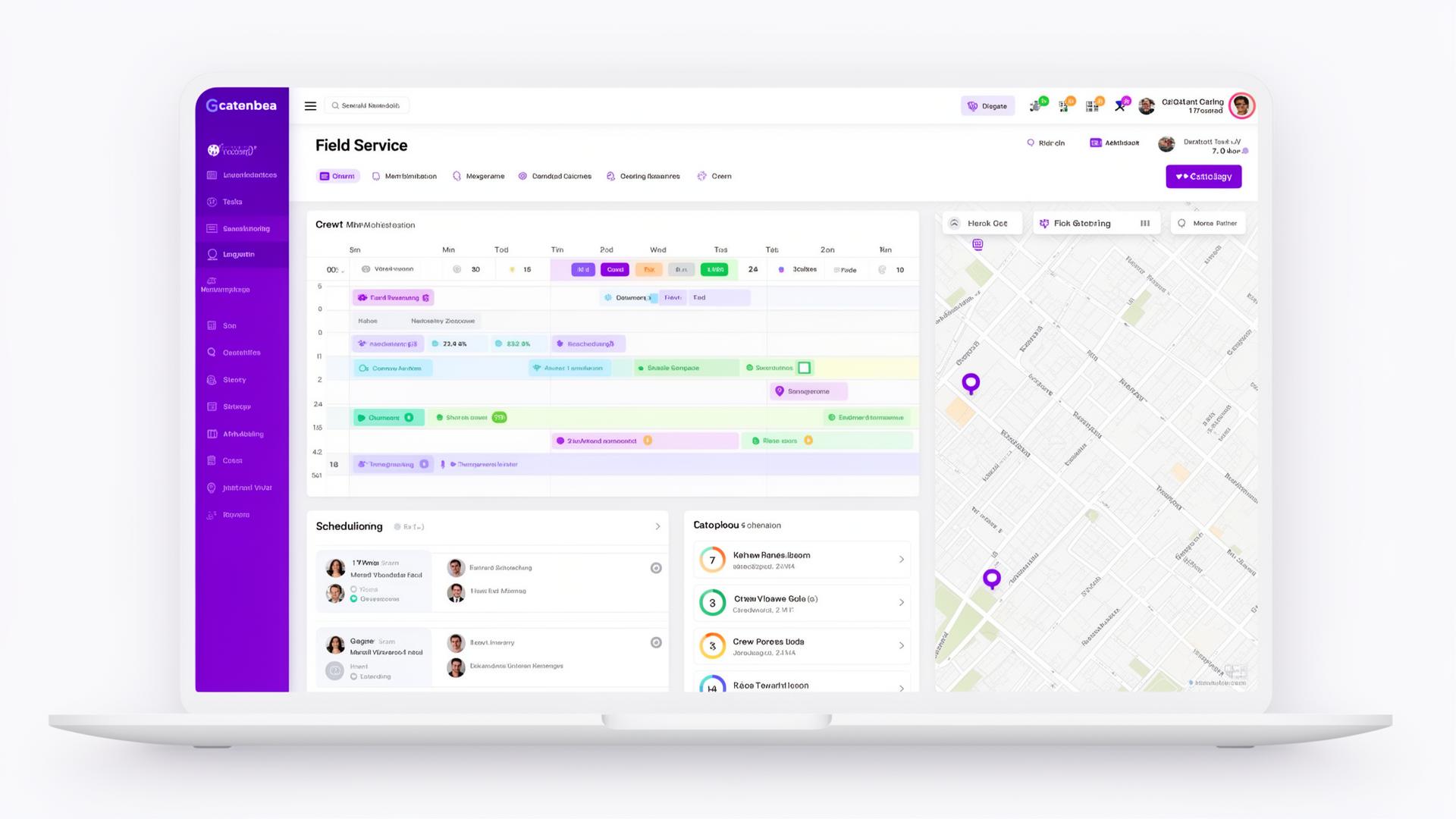
- Schedule View — Week, month, and custom list views, workload badges, daily job sheets, and a linked rescheduled section
- Auto-Scheduling & Dispatch — Assign unscheduled jobs to the right crew and day automatically, with a dispatcher review step before it commits
- Map View — Interactive map with crew-colored pins, route optimization, and one-tap Get Directions
- Live GPS Crew Tracking — See crews on the map in real time while they're clocked in — consent-based location sharing, off by default
- Crew Mobile View — Daily job list, one-tap navigation, safety checklist, Start Job/Mark Complete, photo upload with retry, clock in/out that works without signal
Clients & Crews
- Client Management — Full CRUD, default billing rates, per-client job history
- Crew Management — Crews with color coding, crew members with roles, team leader sorting
- Subcontractor Management — Track subs, insurance expiry alerts, ratings, cost integration
Financial
- Billing & Invoicing — Footage-based auto-calculation, additional charges, batch invoicing, combined invoices, payment tracking (QuickBooks sync coming soon)
- Expense Tracking — Categorized expenses, receipt photo upload, job-linked costs
- Time Tracking & Timesheets — Clock in/out (location recorded only with consent), weekly grid, manager corrections, approval, CSV export
- Financial Dashboard — Revenue vs costs, profit by client/crew/job type, revenue per foot, cash flow aging
- Inventory & Materials — Stock management, per-job material usage, low stock alerts, truck inventory, transfer stock
Documentation
- Photo Management — Upload, captions, markup/annotation with drawing tools
- 811 Locate Tracking — Status per job, ticket numbers, route to cleared sites, delay documentation
- Fiber Documentation — Cable type, strand count, splice records with loss data, OTDR results
- As-Built Generation — Assemble an as-built package from job data, photos, fiber docs, and GPS coordinates — print it or save it as a PDF
- Job Completion Tracking — Trench/bore/pull footage, plug, coil, smoketube, light test
- OCR Work Order Scanning — Snap a photo of a paper work order and have the data extracted and auto-filled into the job form
- Document Storage — Upload PDFs, permits, locate tickets, customer agreements per job
Customer Experience
- SMS Messaging — 5 templates, quick-send from crew view, message log
- Automated Email Notifications — Job completed, job scheduled, invoice and feedback request emails, each switched on per company
- Customer Feedback — Post-job 1–5 star rating via unique public URL
- Client Portal — View-only portal for primes to see job status, 811 status, photos, and documents
- Communication Log — Full history with method, direction, notes per job
Platform & Admin
- User Management — Roles (Admin/Team Leader/Crew), invite system, activate/deactivate
- Subscription Management — 5 tiers, card billing through Stripe, plan limits, 14-day free trial
- Reports — Revenue, footage, job status, reschedule trends, client revenue, CSV export
- Crew Performance — Leaderboard, weekly/monthly stats, completion rates, customer ratings
- Equipment Tracking — Full CRUD, maintenance logs, crew assignment, status badges
- Dark Mode — Full dark theme toggle
- Activity Log — Audit trail of key actions: jobs, users, invoices, uploads
- Company Settings — Admins edit the organization name, phone, email, and address in one place
- Install on Any Phone — Add HogWired to your home screen as an app — no app store needed (an internet connection is required)
- Guided Tours — Interactive walkthroughs, toggleable on/off
- Help Center — 15+ articles, searchable, admin-editable
- Data Export — CSV export of jobs, clients, crews and time; photo ZIP download per job
- Calendar Sync — iCal feed URL for your calendar app; Google Calendar sync coming soon
- Weather Integration — Forecasts for your job sites, with precipitation warnings on the schedule, dashboard and crew view
- White Label Branding — Custom logo, colors, remove HogWired branding (Enterprise)
42 features. 6 categories. One platform built for fiber.
14-day free trial. No credit card required.
Start Free Trial